Most free coding assistants are free the way a restaurant sample is free. You get enough to decide whether you like it, then you hit a wall, usually halfway through a task.
A good coding assistant can write boilerplate, explain code you inherited, and catch bugs before your users do. Plenty of them cost nothing to start. The question that matters is what the free plan actually includes and where it stops.
This guide covers the best free options in 2026, including what you get, where the limit bites, and who should skip each one. If you want the full picture including paid tools, see our guide to the best coding assistants in 2026.

Plan details reflect what was published as of late September 2026. Free tiers change often, so check each tool’s pricing page before committing.
1-Best Free Coding Assistants in 2026
The best free coding assistants in 2026 are GitHub Copilot Free for everyday coding, Gemini Code Assist for Google users, and Cline or Continue for developers who want to choose their own AI model. Free plans have usage limits, and open-source tools may still charge for the model you connect.
Our top picks at a glance:
- GitHub Copilot Free: best all-rounder for VS Code and GitHub users. Limit: monthly usage caps.
- Gemini Code Assist: best free option outside the GitHub ecosystem. Limit: team features are paid.
- Cline: best open-source agent with no vendor lock-in. Limit: you pay for the model you connect.
- Cursor Hobby: best way to try an AI-first editor. Limit: restricted agent and model usage.
- Replit Agent: best for building a quick app in the browser. Limit: free credits run out fast.
Whether you want a simple AI programming assistant that suggests code as you type or a full agent that works on its own, there is a free option below.
1.1-Coding Assistant
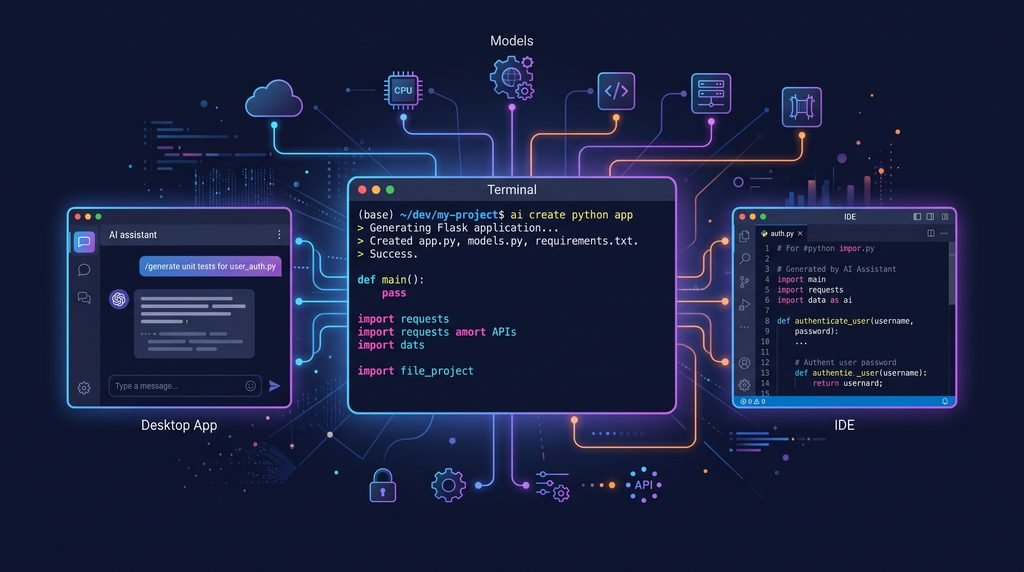
An AI coding assistant is a tool that helps you write, explain, debug, test, and refactor code. Some sit inside your editor and suggest code as you type. Others take a goal like “add login to this app” and work through it across several files.
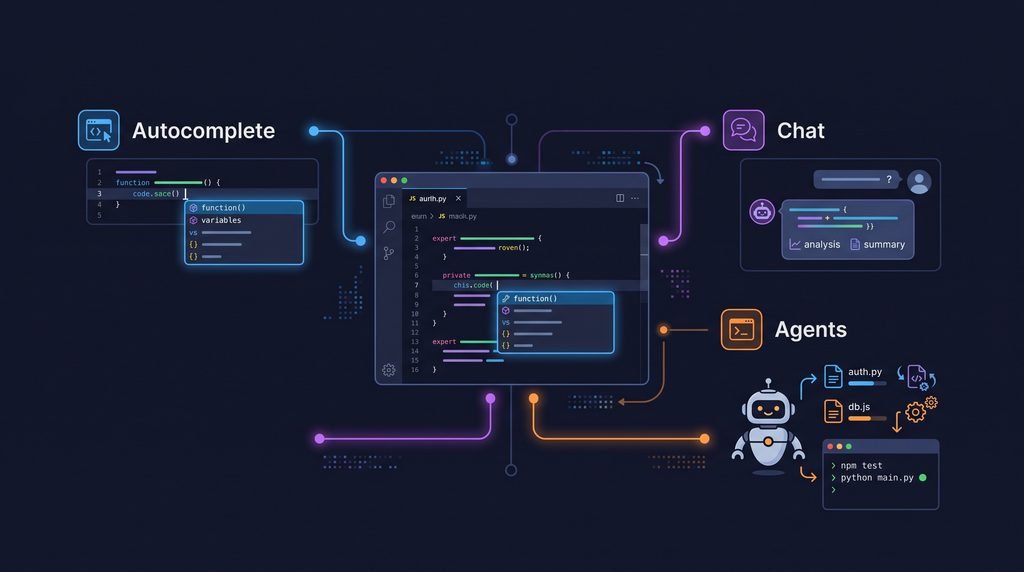
New to the concept? Our beginner’s guide explains what a coding assistant is in more depth. In practice, you will meet three types:
- Autocomplete: the classic feature of code completion tools, suggesting the next line or block as you type.
- Chat: you ask questions about your code and get explanations or snippets back.
- Agents: you describe a goal, and the tool edits files, runs commands, and checks its own work.
Free plans usually include all three, with tighter caps on chat and agents because those cost the most to run.
1.2-Free Coding Assistants
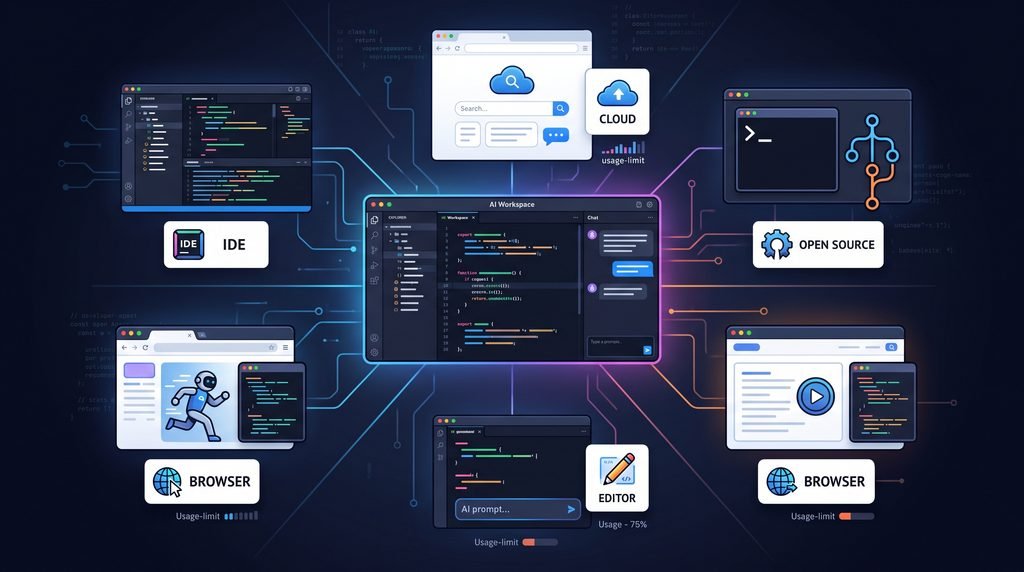
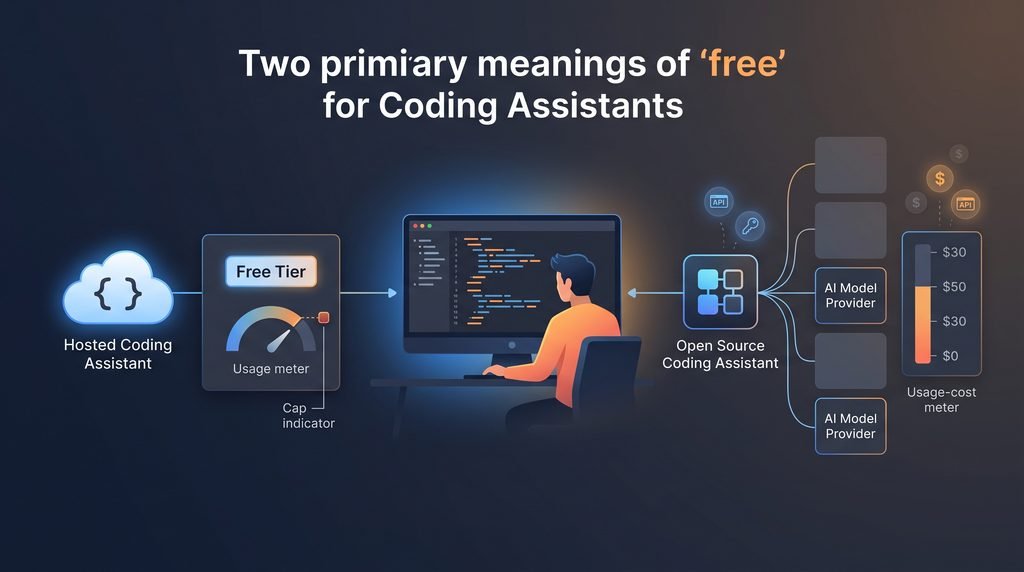
Sometimes. It depends on which kind of “free” you are looking at. Every AI coding assistant on this list falls into one of these groups.
Free tier. The company gives you a limited allowance. GitHub Copilot Free and Cursor’s Hobby plan work this way. You pay nothing, but you can run out.
Free and open source. The software costs nothing, but the AI model behind it might. Cline, Aider, and Continue are free to install. If you connect them to a hosted model like Claude or GPT using your own API key (known as BYOK, “bring your own key”), you pay that provider per use. Connect them to a local model instead and your cost is hardware and electricity.
Free trial. Full features for a short time, then a paywall. These are not truly free, so we have left them out.
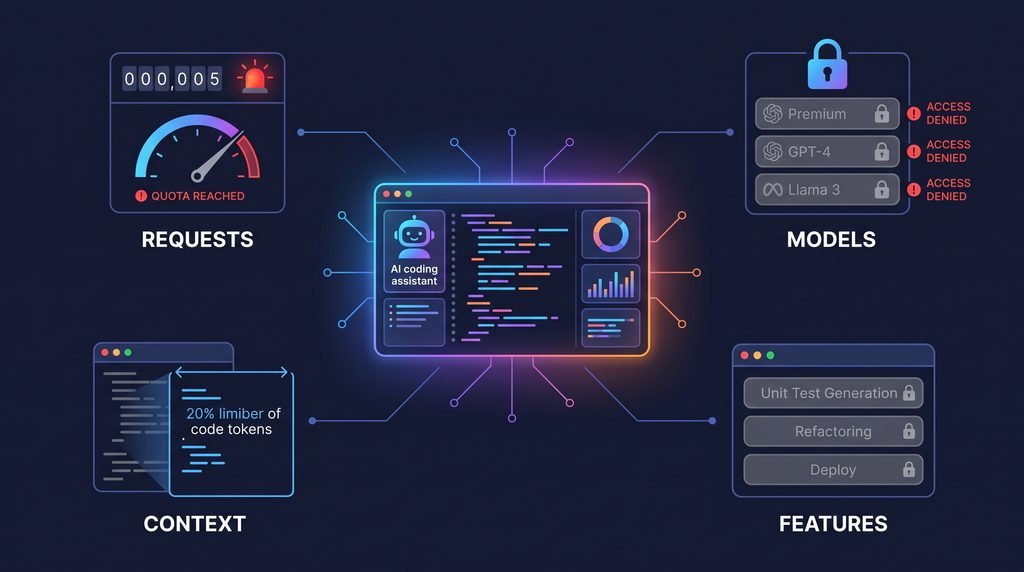
Whatever the type, limits usually fall into four buckets:
- Request caps on chat or agent tasks
- Restricted models, so the most powerful ones are off limits
- Smaller context, meaning the tool sees less of your project at once
- Missing features, such as team controls or advanced agents
If you keep hitting one of these, that is your signal to upgrade or switch tools.
2-Best Free Coding Assistants at a Glance: Comparison Table
| Tool | Type | What the free plan gives you | Main catch | Best for |
|---|---|---|---|---|
| GitHub Copilot Free | IDE assistant | Completions and chat in popular editors | Monthly usage caps | GitHub users |
| Gemini Code Assist | IDE assistant | Free access for individuals | Google-centric | Google Cloud users |
| Amazon Q Developer | IDE assistant | Free tier | IDE plugin support reportedly ends April 2027 | AWS developers |
| JetBrains AI Assistant | IDE assistant | Free AI tier | More usage needs a paid plan | JetBrains users |
| Cursor Hobby | AI-first editor | Free plan with agent access | Limited agent and model usage | Trying an AI-native editor |
| Devin Desktop | AI-first editor | Free plan | Paid plans start at $20/month | Agent workflows |
| Zed | Fast editor | Free plan | Pro from $10/month | Speed |
| Cline | Open-source agent | Free extension and CLI | You pay for model usage | Flexibility |
| Continue | Open-source assistant | Free in VS Code and JetBrains | You supply the model | Customization |
| Aider | Terminal assistant | Free, open source | Model API costs | Git-heavy workflows |
| OpenCode | Open-source agent | Free, works with many models | Model provider costs | Terminal-first agents |
| Tabby | Self-hosted | Free Community plan | You run the server | Privacy |
Not sure which to pick? Our guide on how to choose the right coding assistant walks you through a quick decision framework.
2.1-Best Free Coding Assistants for Everyday Coding in Your IDE
If you do not want to change your setup, start here. Most of these began as code completion tools and now include chat and agents too. They plug into the editor you already use, so your AI programming assistant is always a shortcut away.
2.2-GitHub Copilot Free
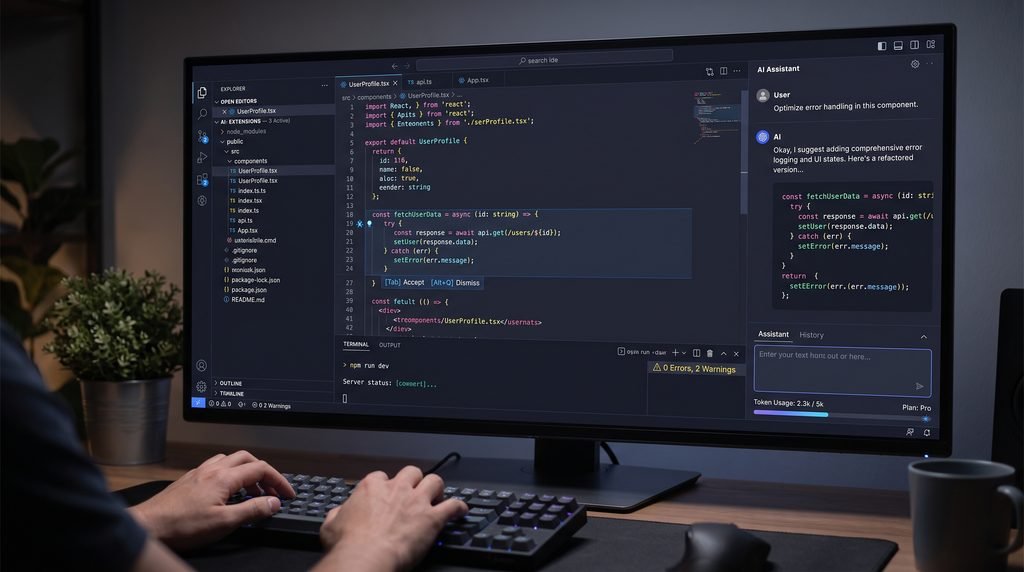
Copilot is the default recommendation for good reason. It works in VS Code, Visual Studio, JetBrains IDEs, and more, and it connects naturally to GitHub if your repositories live there.
- What you get free: code completions and chat inside your editor.
- The limit: monthly caps on completions and chat requests. Light users may never notice. If you lean on it all day, expect to hit the ceiling before the month ends.
- Best for: students, hobbyists, and anyone already on GitHub.
- Skip it if: you want deep, whole-project agent work on the free tier. Copilot Pro starts at $10/month.
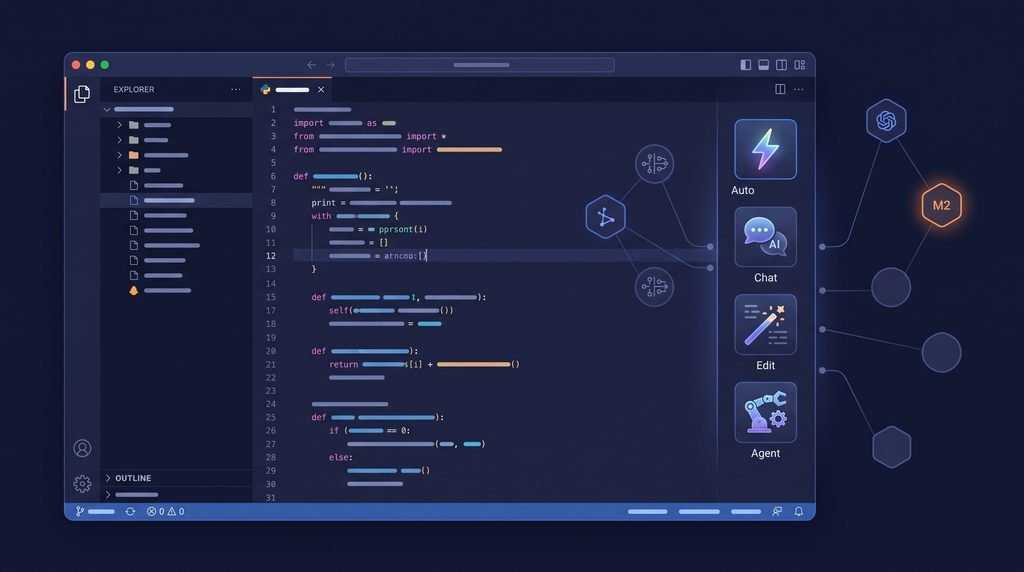
2.3-Gemini Code Assist
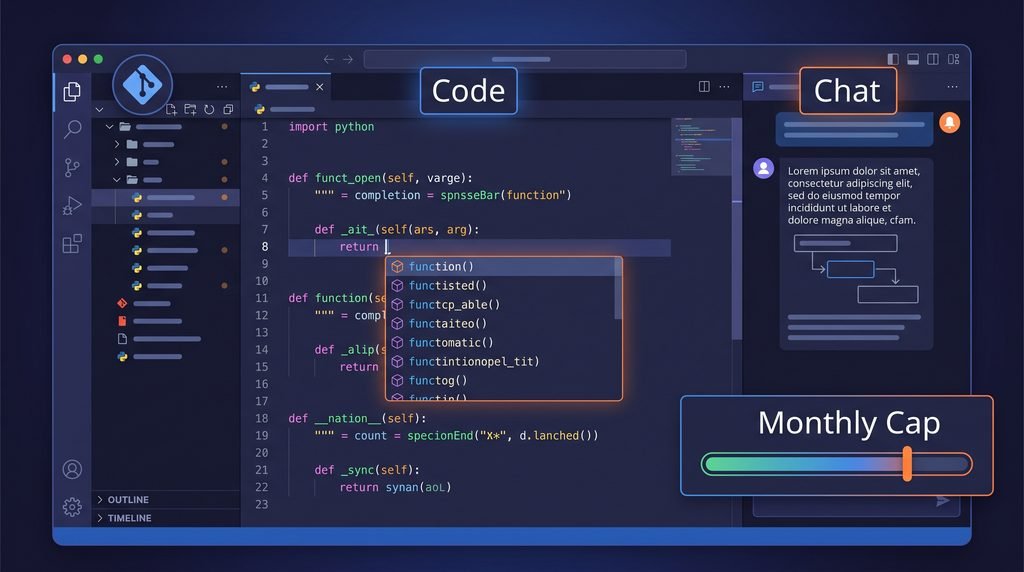
Google’s assistant works in VS Code, JetBrains, and Google Cloud environments, and offers free access for individuals.
- What you get free: code generation, explanations, debugging help, and chat.
- The limit: team and business features sit behind paid plans.
- Best for: developers in the Google ecosystem, or anyone who wants to try Gemini models without paying.
- Skip it if: you need tight GitHub integration. Copilot fits that better.
2.4-Amazon Q Developer
AWS’s assistant is strongest when your code touches AWS services. A typical use case is asking it to write a Lambda function or debug an IAM permissions error.
- What you get free: a free tier for code generation, troubleshooting, and AWS guidance. Pro is $19/user/month.
- The limit: the free tier is capped, and IDE-plugin support is reported to end in April 2027. Check its current status before building a workflow around it.
- Best for: cloud engineers and infrastructure developers.
- Skip it if: you do not use AWS. The benefit shrinks fast outside that world.
2.5-JetBrains AI Assistant
If IntelliJ, PyCharm, or WebStorm is your home, this is the most seamless option.
- What you get free: a free AI tier with code generation, explanations, and documentation help.
- The limit: heavier usage needs a paid plan.
- Best for: JetBrains users who do not want to switch editors.
- Skip it if: you work in VS Code. Copilot or Continue makes more sense there.
3-Looking Only for the Best Free Code Completion Tools
For fast inline suggestions, start with Copilot Free and Gemini Code Assist. Supermaven is another free option built around speed and large context, with Pro from $10/month. Confirm its current status on its website, as products in this space change hands and plans quickly.

3.1-Free AI-First Editors and Agents
These tools go beyond suggesting code. You describe a task and they work through it. If you are unsure how this differs from a standard assistant, read our explainer on coding assistants vs coding agents.
3.2-Cursor (Hobby Plan)
Cursor is an AI-native editor forked from VS Code. It understands your whole codebase rather than just the open file. Ask it to “rename this function everywhere and update the tests,” and it can plan and make the changes across files.
- The limit: the free Hobby plan restricts agent and model usage. Pro costs $20/month.
- Best for: testing an AI-first workflow before paying.
- Watch out for: switching editors means re-checking your extensions, since some VS Code extensions may not behave identically.

3.3-Devin Desktop
Devin Desktop is the current evolution of the Windsurf desktop experience. It pairs an editor with tools for managing coding agents that investigate issues and test changes while you review the results.
- The limit: a free plan exists, with paid plans from $20/month.
- Best for: developers ready to move from suggestions to supervised agent work.
Zed
Zed is a fast, modern editor with built-in AI and support for external agents.
- The limit: free plan available, with Pro from $10/month.
- Best for: developers who value speed and a lightweight editor.
- Skip it if: you rely on a large extension ecosystem.
3.4-Google Jules and OpenAI Codex
These are built for delegation. You assign a task, they work in the background, and you review the changes afterwards. That is a different rhythm from an assistant that reacts while you type.
- Jules offers a free plan, with paid access through eligible Google AI plans.
- Codex is included with eligible ChatGPT plans, with limited free access.
- The limit: agent tasks use up allowances faster than autocomplete does.
- Best for: self-contained jobs like writing tests for one module, fixing a known bug, or updating a dependency.
4-Best Open-Source Coding Assistants (Free, With One Catch)
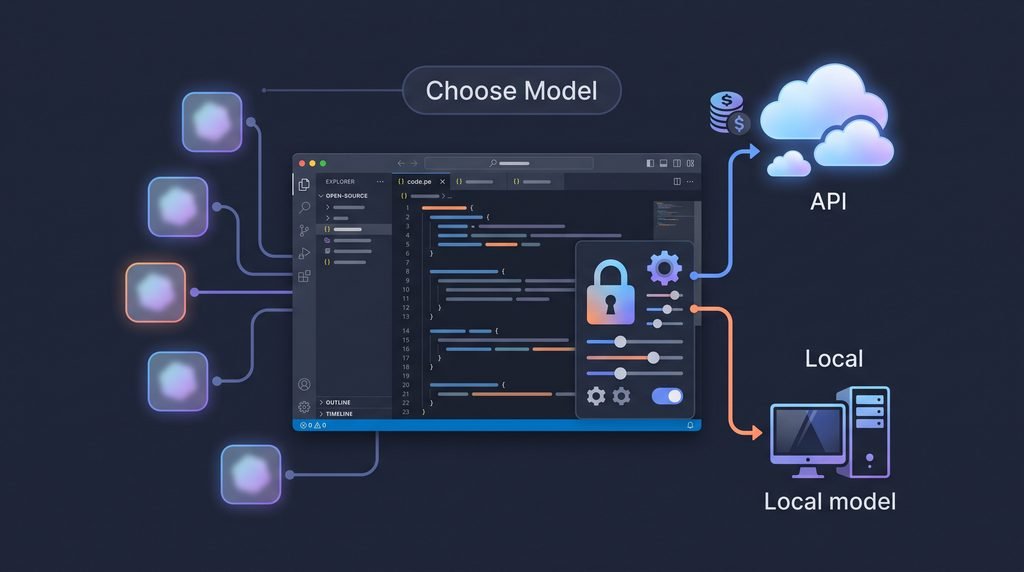
The software is free. A hosted AI model usually is not. If you plug an OpenAI or Anthropic API key into Cline, you pay that provider for every request. Small tasks cost little, but a long agent session on a big codebase can add up. Set a spending cap on your API account before you start.
The upside is control. You choose the model, see the costs, and can switch providers without changing tools. If privacy is your main concern, our guide to privacy-first coding assistants goes further.
4.1-Cline
A VS Code extension and CLI tool that edits files and runs terminal commands. It is model-agnostic, so you are never locked into one provider.
Best for: developers who want an agent they fully control. Skip it if: managing API keys sounds like a chore.
4.2-Continue
An open-source assistant for VS Code and JetBrains with chat, autocomplete, edit mode, and agent features. You can connect different models rather than depending on one.
Best for: anyone who wants Copilot-style features with their choice of model.
4.3-Aider
A terminal assistant built around Git. It edits code across multiple files and commits its changes, so you can review or undo what it did with normal Git commands.
Best for: command-line users who value a clean commit history.
4.4-OpenCode
An open-source agent that runs in the terminal, as a desktop app, or inside your IDE. You bring your own models, cloud or local, and configure project-specific agents and permissions.
Best for: terminal-first developers who want flexibility. The core tool is free, optional OpenCode Go access starts at $10/month, and model provider costs may apply.
4.5-Tabby
A self-hosted assistant that keeps everything on infrastructure you control, with code completion and chat.
Best for: privacy-focused developers and teams. Skip it if: you do not want to run your own server.
Want to run one at zero cost? Pair Cline, Continue, or Aider with a local model through a tool like Ollama. The trade-off is speed and quality: local models need decent hardware and are generally weaker than top hosted models.
5-Free Browser-Based Coding Assistants for Quick Projects
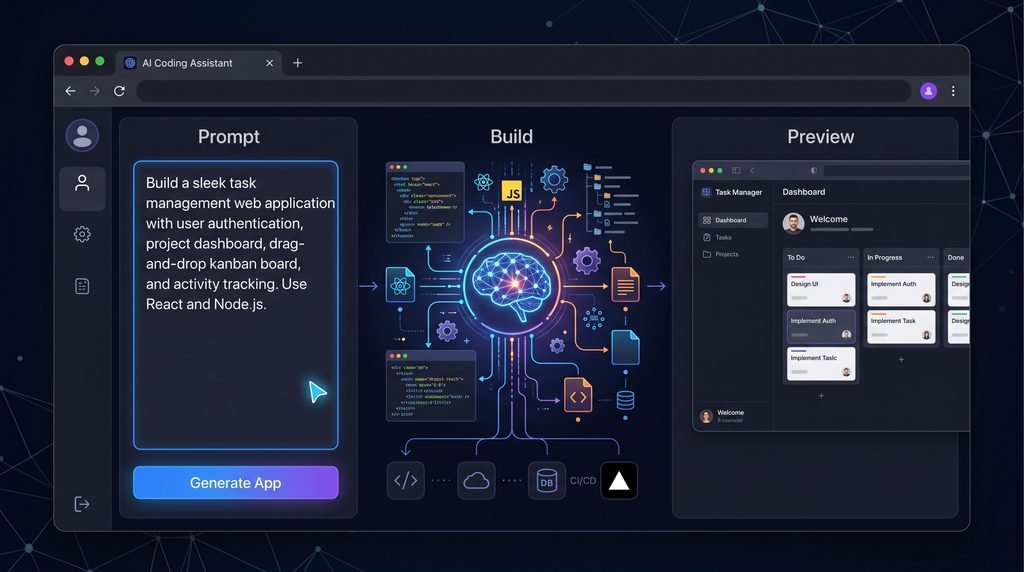
If you want a working app without setting up a development environment, these tools build one from a prompt.
- Replit Agent: describe an app, and Replit builds, runs, and hosts it in your browser. Good for prototypes and learning.
- Bolt.new: generates full-stack web apps from plain-English prompts, with one-click deployment.
- Lovable: focused on web apps, with changes made through chat.
- v0 by Vercel: strongest for frontend work, generating React interfaces you can refine visually.
All four have free plans. Limits here are usually credits, projects, or hosting rather than raw requests, and free credits can disappear quickly in an active build session.
A warning: code from these tools works well for demos and MVPs but often needs cleanup before production. Treat it as a strong first draft.
5.1-Which Free Coding Assistant Should You Choose?
- Best for Beginners and Students
GitHub Copilot Free or Gemini Code Assist. For students, an AI programming assistant that explains code line by line is often more valuable than one that only writes it. Both work in normal editors. See our roundup of coding assistants for beginners and students for more.
- Best for VS Code Users
Copilot Free for the simplest setup, or Continue if you want to choose your own model.
- Best for JetBrains Users
JetBrains AI Assistant for the tightest fit, or Continue for model flexibility.
- Best for Privacy and Offline Use
Tabby, or Cline, Continue, or Aider paired with a local model.
5.2-Best for Terminal Lovers
Aider or OpenCode.
- Best for Building an App Without Much Coding
Replit Agent, Bolt.new, Lovable, or v0. Pick v0 if it is mostly interface work.
5.3-Free vs Paid Coding Assistants: When Should You Upgrade
Stay on free while you are learning or working on small projects. Consider paying when:
- You hit the usage cap regularly before the month or day ends
- Answers get worse on larger projects because the tool cannot see enough of your code
- You need stronger models for complex work
- You are using it for team or business work that needs admin controls or clearer data terms
Entry-level paid plans are cheap next to the time they save. GitHub Copilot Pro starts at $10/month (roughly £8) and Cursor Pro at $20/month (roughly £16), though UK pricing and VAT may differ. If an assistant saves you an hour a month, the maths usually works out.

Ready to try one? Install GitHub Copilot Free or Gemini Code Assist today and use it on a real project for a week. Note where the free limit frustrates you. That tells you whether an upgrade is worth it.
5.4-Security and Privacy: What to Check Before Using a Free Tool
Free plans can have different data terms from paid ones. Before you paste in anything sensitive, check:
- Code retention: does the provider store your code, and for how long?
- Training: can your code be used to train models? Business plans often say no. Free plans may not.
- Secrets: never paste API keys, passwords, or tokens into any assistant.
- Client work: US freelancers should check NDAs first. UK and EU users should consider GDPR obligations when personal data appears in code or test data.
If privacy is non-negotiable, a self-hosted or local setup is the safest route. Whatever you use, review AI-generated code before it ships, especially anything touching payments, authentication, or user data. Read more in our guide to AI-generated code security risks.
6-Tips to Get More From a Free Coding Assistant
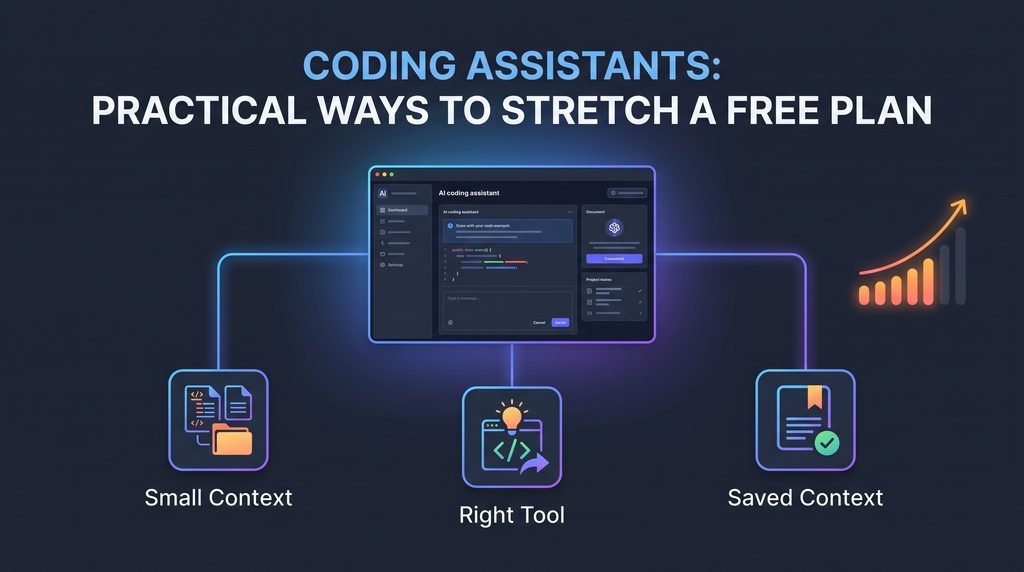
Free plans reward efficient use. These habits stretch your allowance.
Be specific. Compare these two prompts.
Vague: “Please finish writing unit tests for Invoice.cs.”
Better: “Write unit tests for all public methods in Invoice.cs, in the Invoicer.UnitTests project. Use NUnit. Put them in InvoiceTests.cs and name each method [MethodName][Conditions][AssertedOutcome]. Do not modify the class if a test fails.”
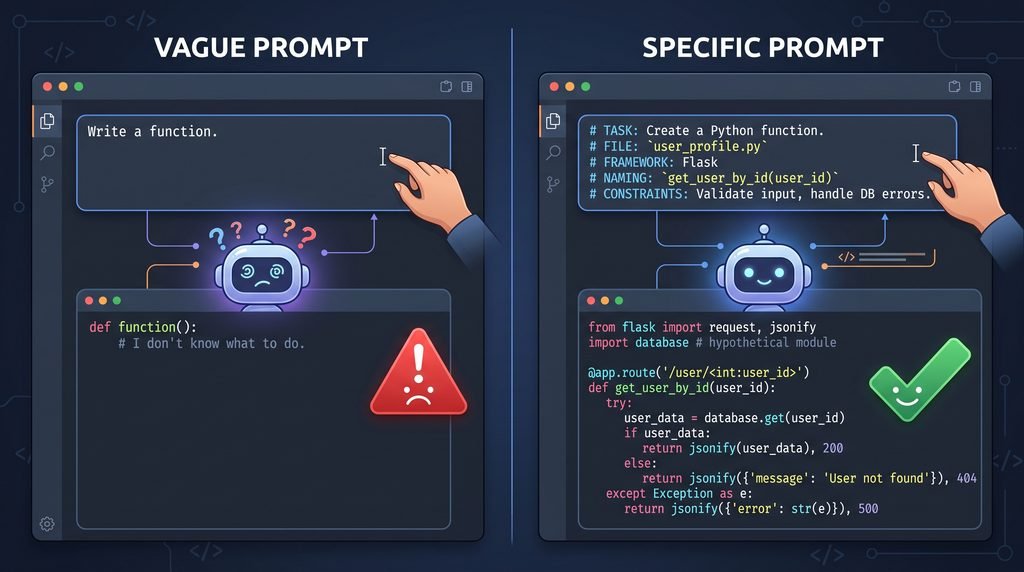
The second version needs far less back-and-forth, which means fewer wasted requests. More examples are in our guide to writing better prompts for your coding assistant.
Keep context small. Include only the files the task needs. Extra files add noise and burn usage.
Match the tool to the task. Use code completion tools for routine work. Save chat and agent requests for problems that need them. Learn how Ask, Plan, and Agent modes differ so you pick the cheapest one that works.
Explain the “why.” When debugging, describe what you were doing when the error appeared, not just the error message.
Save context for next time. A short project notes file like AGENTS.md means you stop re-explaining your setup every session. See how to use MCP and AGENTS.md to set one up.
Final Thoughts
The right free coding assistant is the one that fits how you already work. Pick one or two from this list and test them on a real project for a week. Watching where the free plan starts to hold you back tells you more than any feature list.
If you are new, start with Copilot Free or Gemini Code Assist. If you want control, try Cline or Continue.
Your next step: choose one free coding assistant from this list and try it on a real task today. Once you have tested it, read our full guide to the best coding assistants in 2026 to compare paid options, and subscribe to our newsletter to hear when free plans change.
Frequently Asked Questions
1-What is the best free AI coding assistant?
It depends on your setup. GitHub Copilot Free is the easiest starting point for most people because it works in popular editors with little configuration. Gemini Code Assist is a strong alternative, and Cline or Continue suit developers who want to choose their own models.
2-Is there a completely free coding assistant with no limits?
Not really. Open-source tools like Aider and Continue cost nothing to install, but hosted AI models charge per use. Running a local model removes API costs, though you will need capable hardware and should expect weaker results than top cloud models.
3-What is the best free alternative to GitHub Copilot?
Gemini Code Assist is the closest like-for-like option for everyday coding. Continue and Cline are better if you want to pick your own model. Cursor’s Hobby plan is worth trying if you want an AI-first editor instead of a plugin.
4-Can a free coding assistant write a full program?
Yes, for small projects. Replit Agent, Bolt.new, and Cline can generate working apps from a prompt. Larger or more complex programs will need careful review, more of your guidance, and probably a paid tier once you exceed free limits.
5-Are free coding assistants safe for work or client code?
Only after you check the provider’s data terms. Free tiers may retain code or use it for training. Avoid sensitive or client code unless the policy clearly allows it, and consider a self-hosted or local option for confidential projects.
6-Which free coding assistant is best for beginners?
GitHub Copilot Free or Gemini Code Assist. Both run in familiar editors and can explain code in plain language, which makes them useful for learning as well as writing code.
7-Can I use a coding assistant offline?
Yes. Tabby runs on your own infrastructure, and Cline, Continue, or Aider can connect to a local model. Expect slower responses and less capable output than cloud-based tools, especially on ordinary laptops.